On the day photos
Keep photos from the day
Photos of your mirrors set up at weddings, kept by mirror and by wedding, so you can see how each one looked.
Add photos
Open On the day photos from the menu and press Add photos.
Under New photos go with, pick the Mirror and the Wedding.
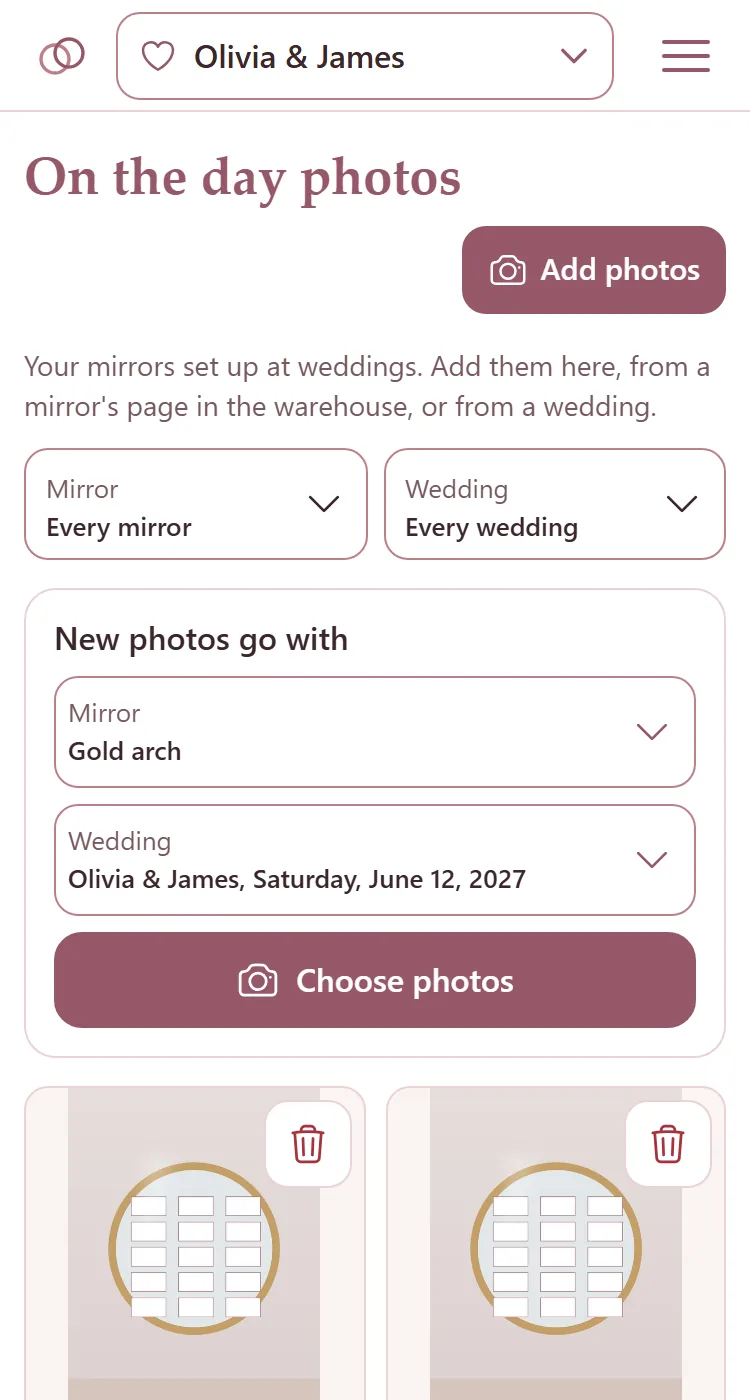
Press Choose photos and pick them.
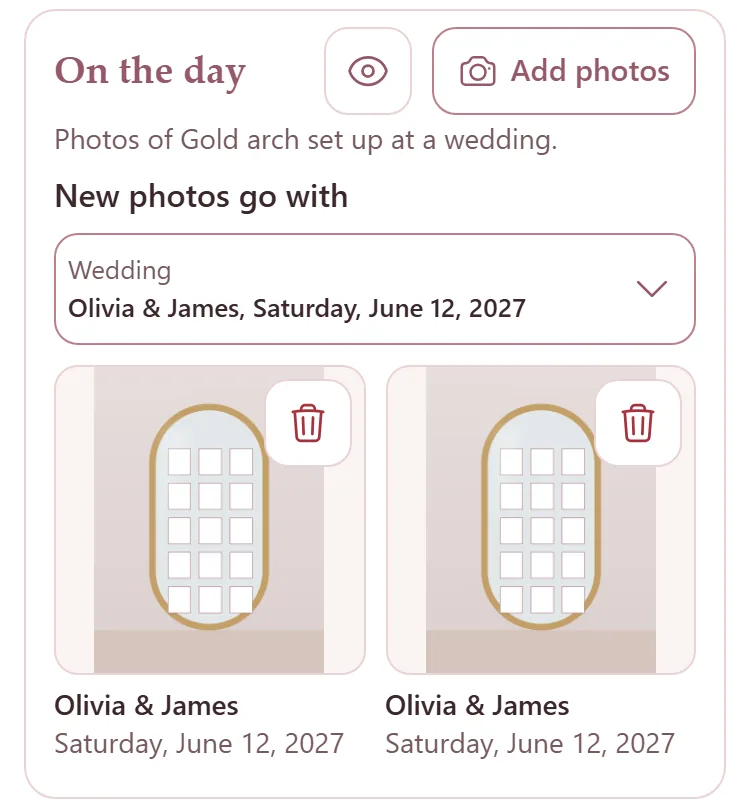
You can add them from a mirror's page in the warehouse too, under On the day, where they go with that mirror; or from the camera button on a wedding's card on the Weddings page.
Find a photo
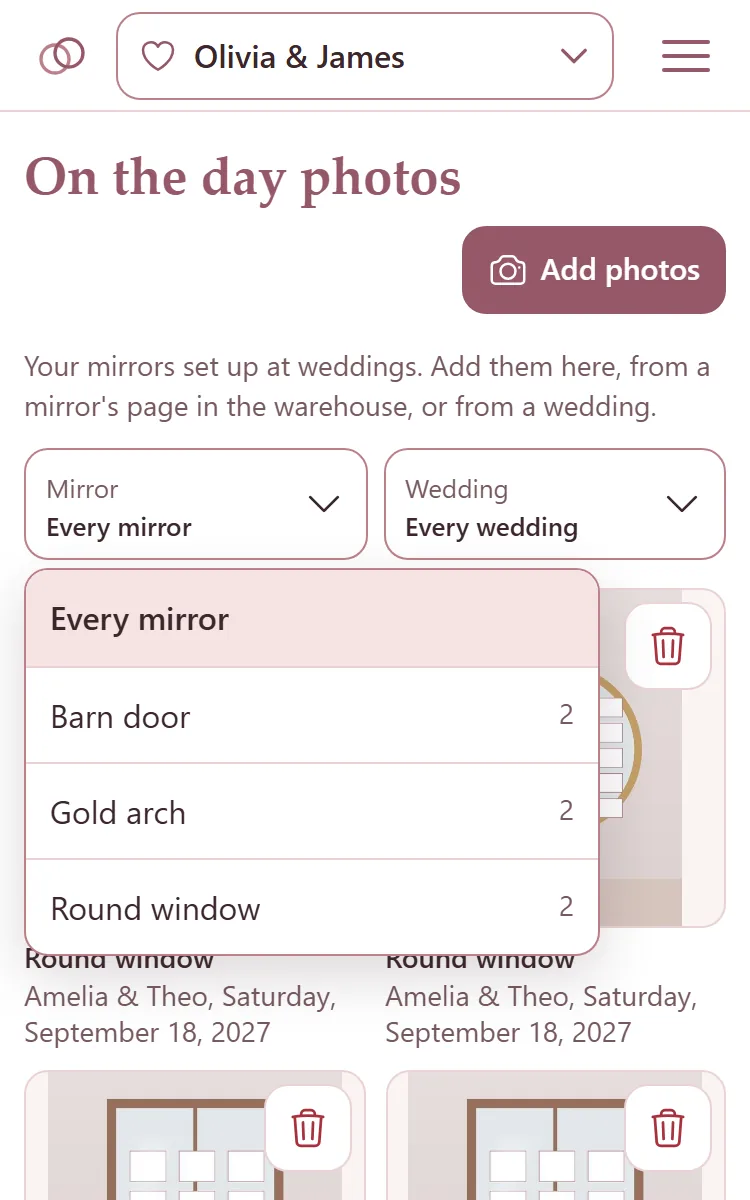
Mirror and Wedding at the top narrow the photos to one mirror, one wedding, or both. Each choice says how many photos it has, and picking one shows them at once.
Tap a photo to see it large, with its mirror and its wedding.
The bin on a photo deletes it: press it, then press it again.
Deleting a wedding keeps its photos, on their mirror. Deleting a mirror deletes its photos.
A mirror's own photos from the day
On a mirror's page in the warehouse, On the day shows that mirror at every wedding. The eye button opens them in On the day photos.