Card design
Design the table card
One card is drawn at its real size and scaled down, and every choice shows on it at once: the fonts, the sizes, the spacing and where the names sit.
The card at the top
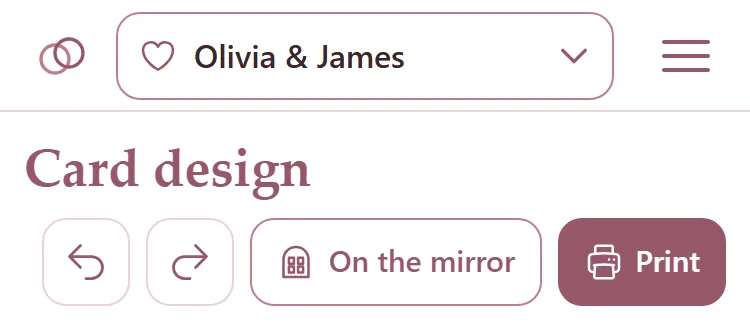
Open Card design from the menu, or press Card design at the top of the Tables page.
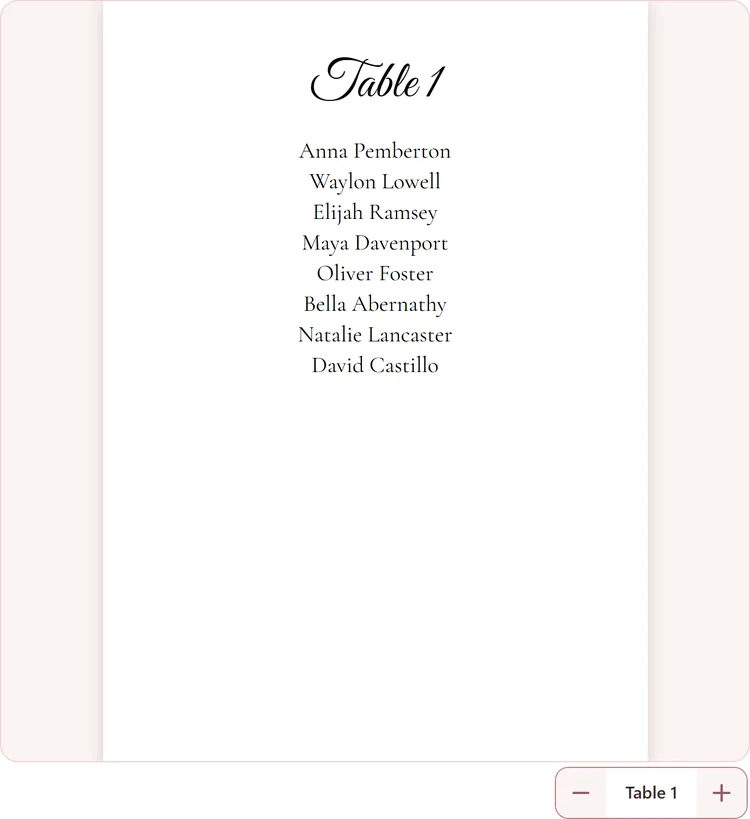
The card stays in view while you scroll the choices under it; on a computer it sits on the left. Minus and plus under it show each table's card in turn. A table with no names yet shows sample names.
Undo and Redo at the top step back and forward through your changes. On a computer, Ctrl+Z and Ctrl+Y do the same.
The card's size and how many names
Under The card, the Width and Height are the same card as on the seating chart: change it here or there.
Names per card is how many names go on each table's card.
The names
Press Font and the list of fonts opens right under it, with the card still in view. Type in Find a font, or pick Script, Serif, Sans or Display. Tap a font and the card changes.
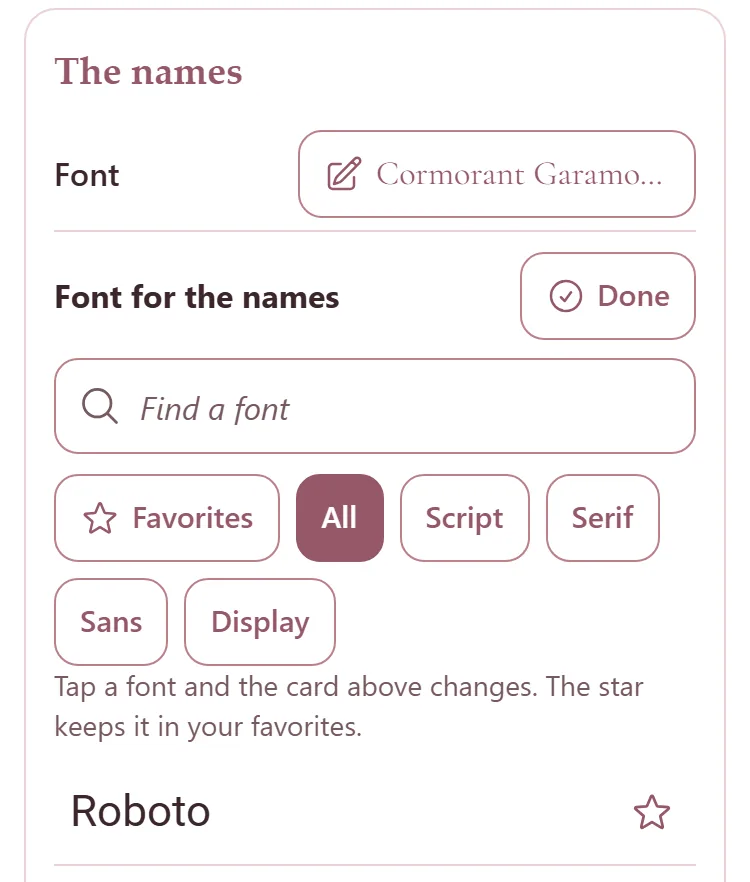
The star beside a font keeps it in your Favorites, listed first the next time. Press Done to close the list.
Size, Line spacing and Columns have a minus and a plus. Order is First Last or Last, First, and Letters is As typed or CAPITALS.
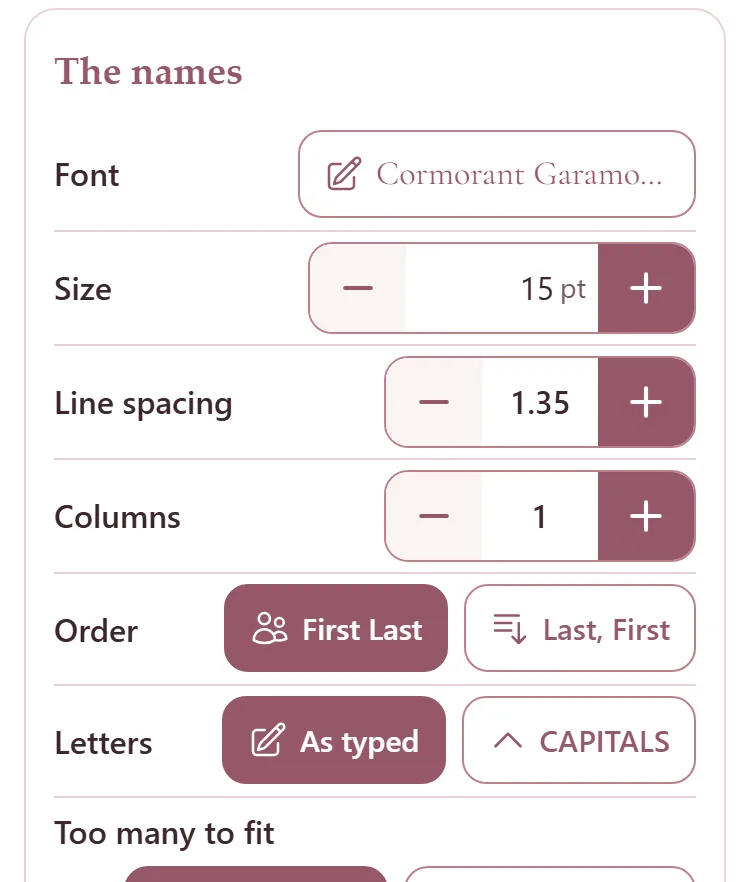
Too many to fit: Shrink to fit makes the names smaller on a full card. Leave the size keeps them as set, and the page says when they do not fit.
Where the names sit
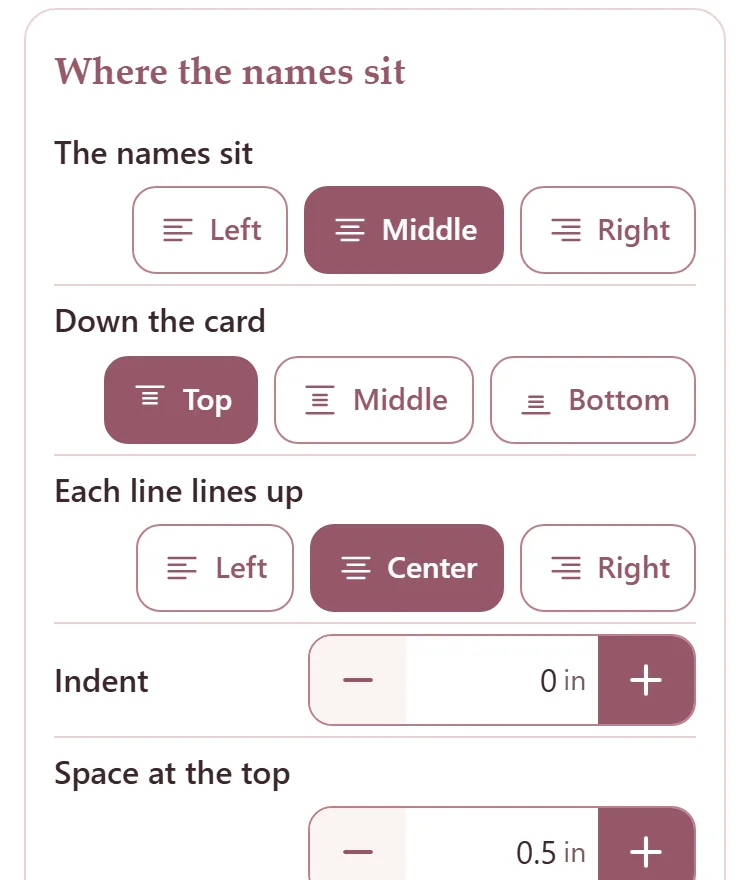
The names sit moves the block of names to the left, the middle or the right. Down the card puts it at the top, the middle or the bottom.
Each line lines up lines the names up inside the block, and Indent moves them in.
Space at the top, Space at the sides and Space at the bottom keep the names off the card's edges.
The heading and the ink
Under Heading, Shows picks Table 3, just the 3, the table's name, or none. Then its place across, its font and size, the space under it and its letters.
Under Ink, pick Black, Antique rose or Dusty rose.
See the whole mirror
Press On the mirror at the top. Every card is drawn where the seating chart puts it, with its names. Pinch to look closer.
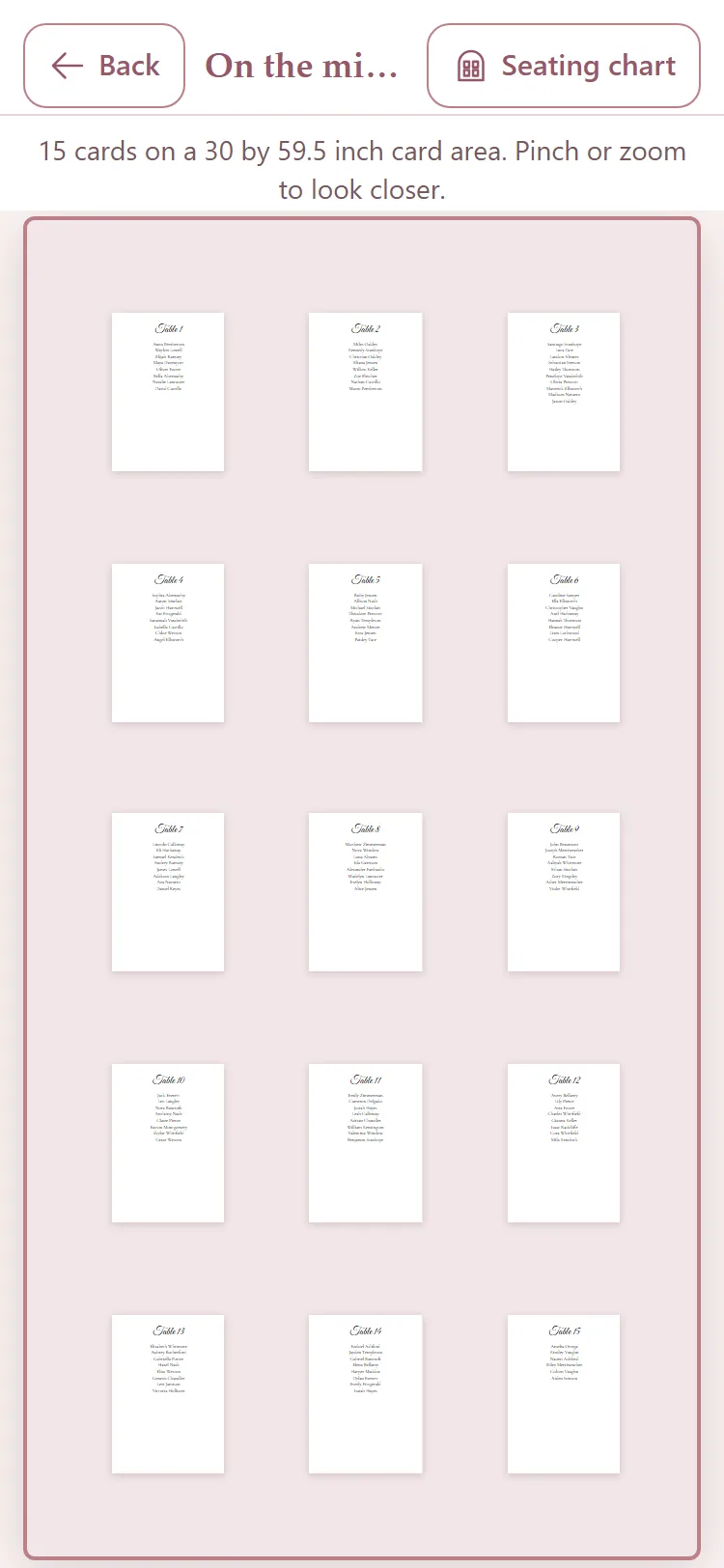
Press Back to return, or Seating chart to change the layout.
The design saves itself as you go.