Card design
Save a card design and use it again
Keep a card design you like under a name and lay it over any wedding's cards, or copy the look from another wedding.
Save the design
On Card design, press Save this design under Saved designs.
Type a name under Name this design, like Spring garden, and press Save.
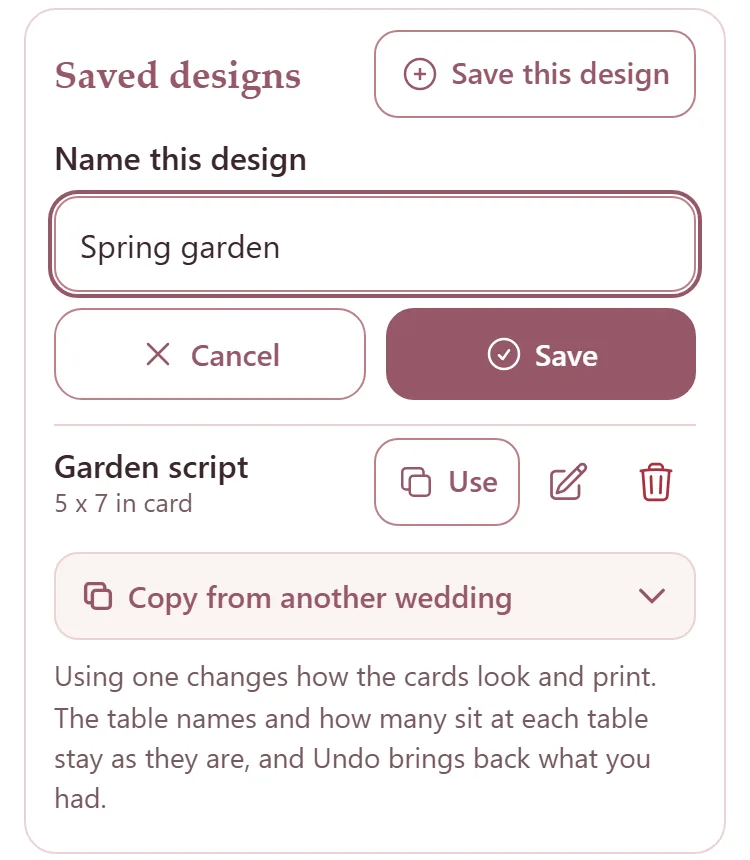
A saved design keeps the fonts, sizes, spacing, placement and ink, and the print settings. It is yours, for every wedding.
Use it on another wedding
On another wedding's Card design, press Use beside the saved design.
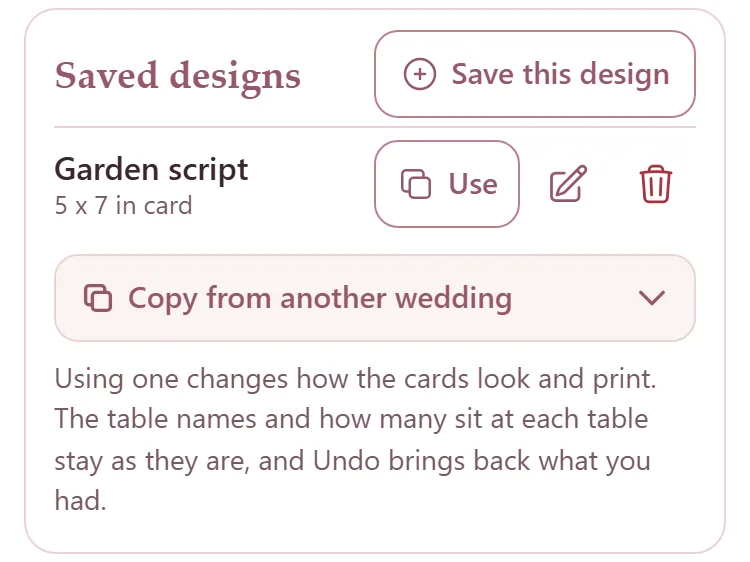
The cards take on its look. The table names and how many sit at each table stay as they are. If it was the wrong one, Undo at the top brings back what you had.
Copy another wedding's cards
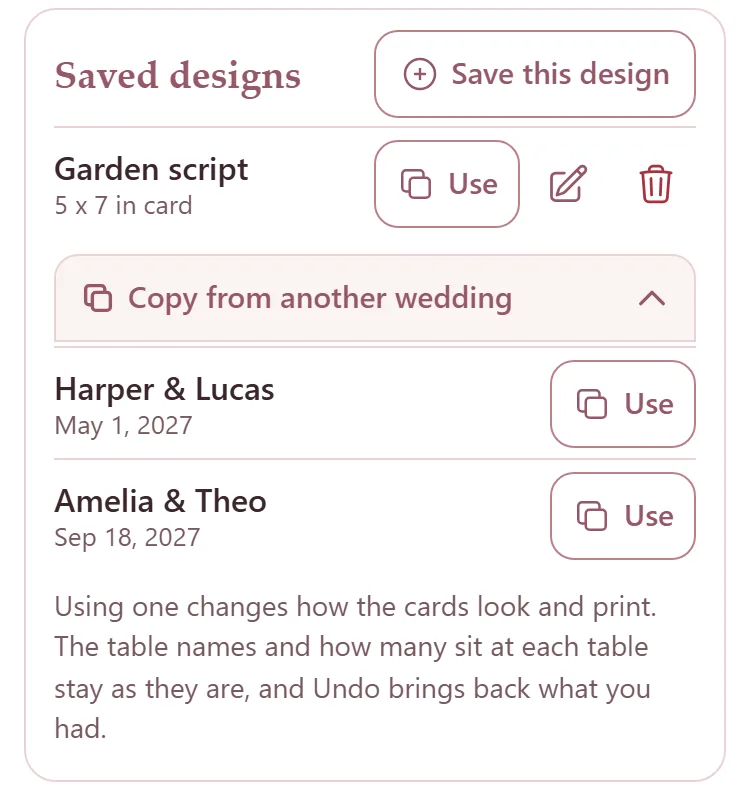
Press Copy from another wedding, then Use beside the wedding.
Rename or delete a design
The pencil renames a design where it stands: type the new name and press the tick.
The bin deletes it: press it, then press it again where it says Sure?.
Two of your designs cannot share a name, whatever the capitals.