Seating chart
Save a layout and use it again
Keep a layout you like under a name: the size of a card, how many to a row and the space at the edges. Then put it on another chart in one tap.
Save the layout
Set the seating chart up the way you want it.
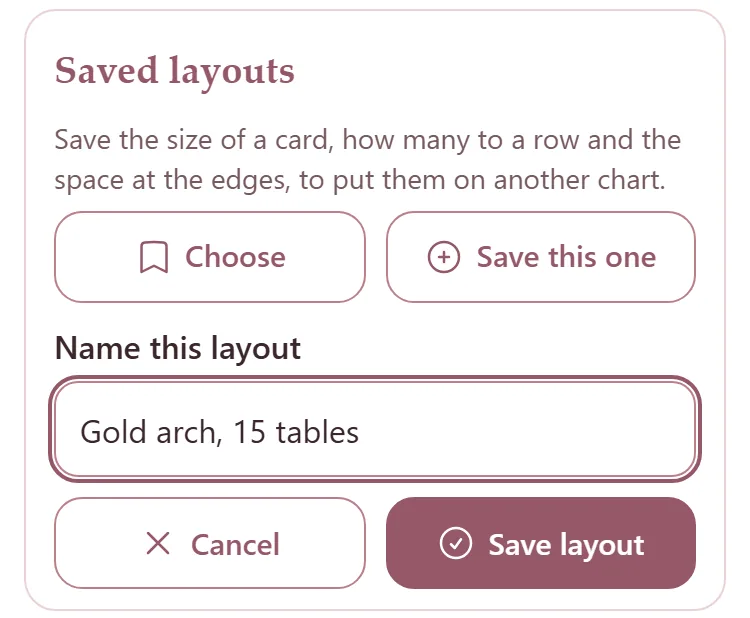
Under Saved layouts, press Save this one.
Type a name under Name this layout, like Gold arch, 15 tables, and press Save layout.
Put it on another chart
On another wedding's seating chart, press Choose under Saved layouts.
Each layout shows its card size and its shape, and says Fits this mirror or Does not fit this mirror. Tap one to put it on.
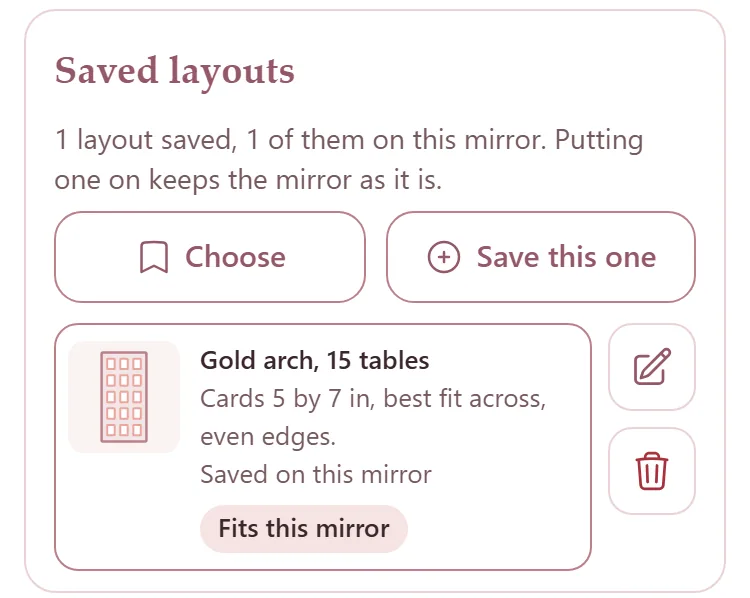
The mirror stays as it is; the cards, the rows and the edges change. If it was the wrong one, press Undo right there.
How many tables is the wedding's own: a layout brings its number of tables only to a chart that has none yet.
The pencil beside a layout renames it. The bin deletes it: press it, then press it again.
A layout saved while a mirror from your warehouse is on the chart is kept with that mirror too, under Layouts on this mirror on its page.