Warehouse
Keep your mirrors in the warehouse
The warehouse holds the mirrors you own, each with its card area and photos, ready to put on any wedding's seating chart.
Add a mirror
Open Warehouse from the menu. Each mirror shows a photo, its card area and how many photos it has.
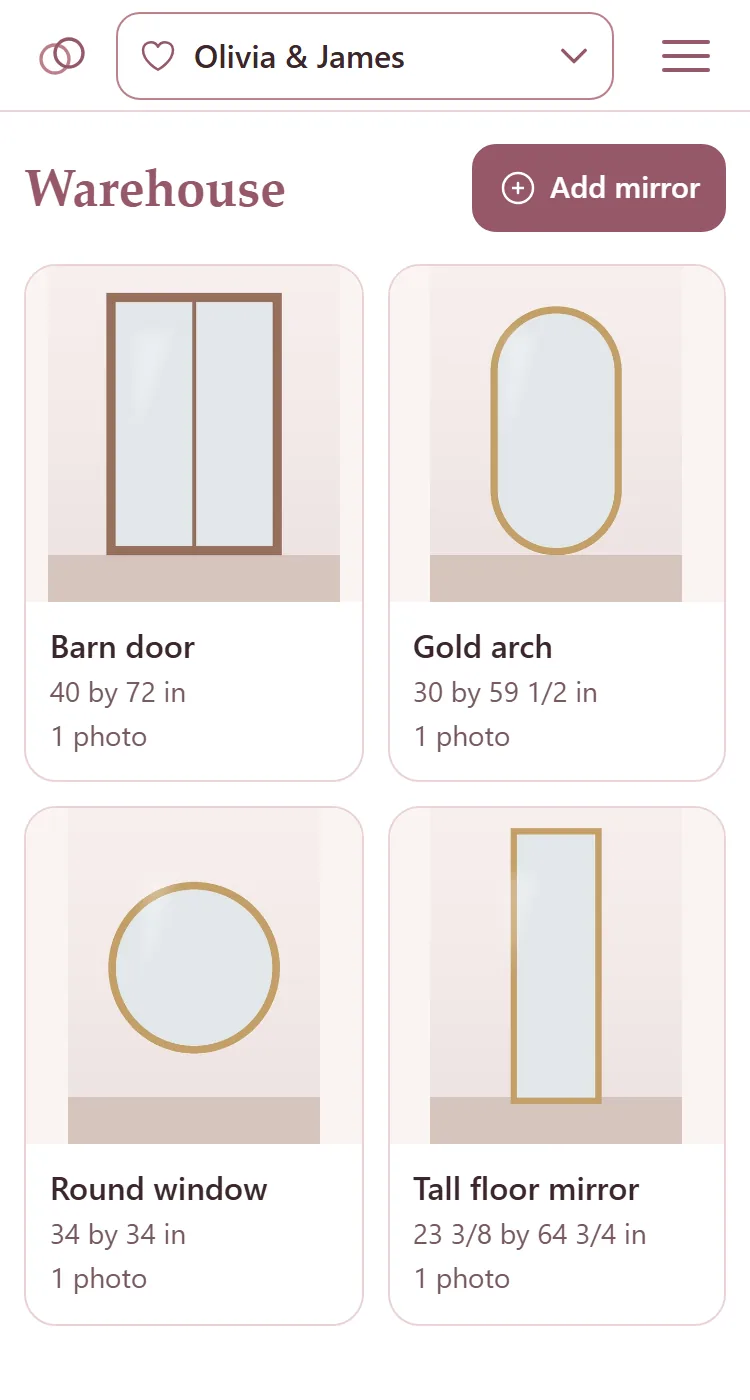
Press Add mirror.
Give it a Name, then its Card area width and Card area height: the part of the mirror the cards can go on, not the frame.
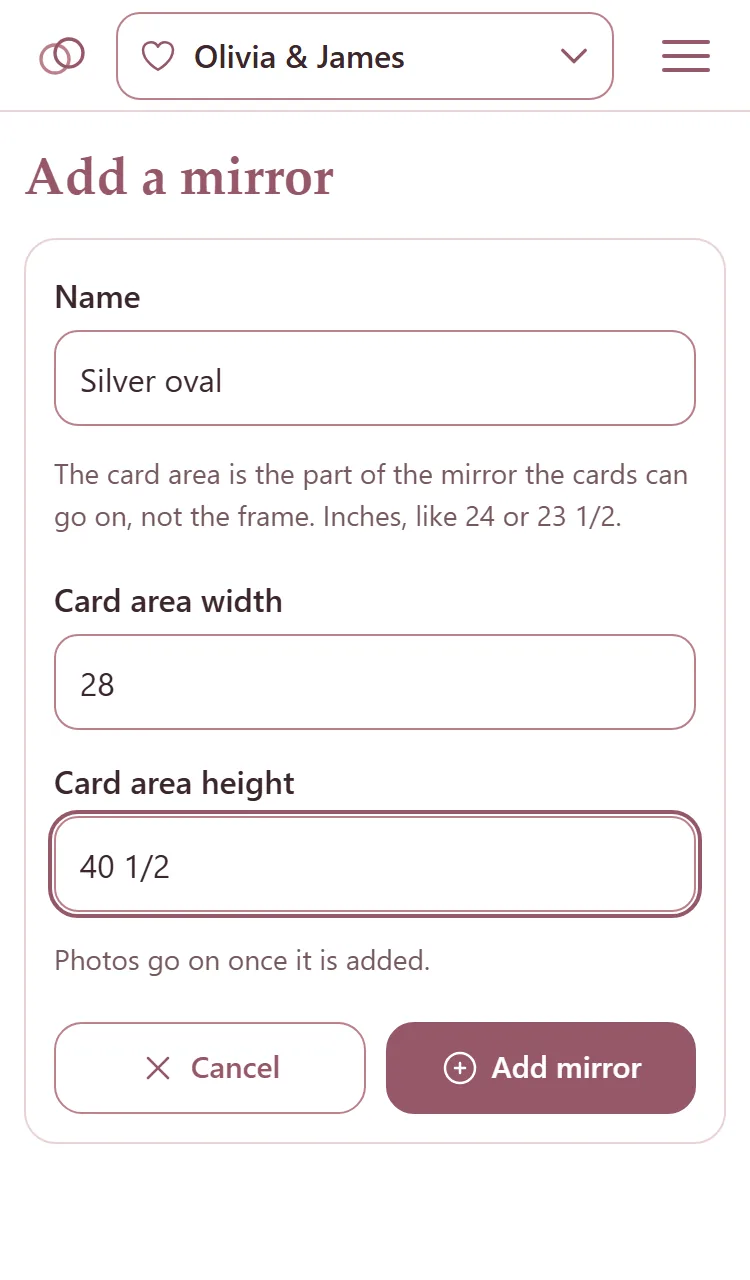
Press Add mirror. Photos go on once it is added.
From a seating chart: with the card area typed in, press Add under Warehouse, type a name under Name this mirror and press Add mirror.
Photos of a mirror
Tap a mirror in the warehouse to open its page.
Under Photos, press Add photos and choose them. A photo is shown whole, never cropped.
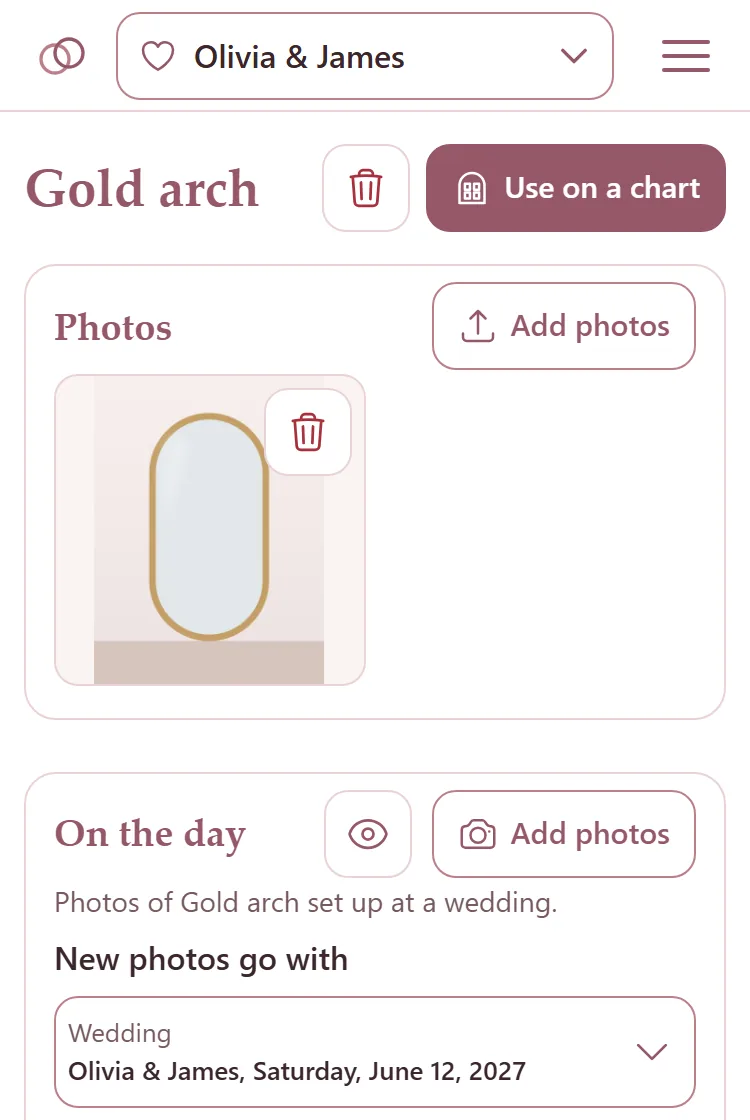
Tap a photo to see it large. The bin on a photo deletes it: press it, then press it again.
Put a mirror on a seating chart
On the mirror's page, press Use on a chart. It goes on the seating chart of the wedding you are working on, with its card area, and the seating chart opens.
Or, on the seating chart, press Choose under Warehouse and tap the mirror.
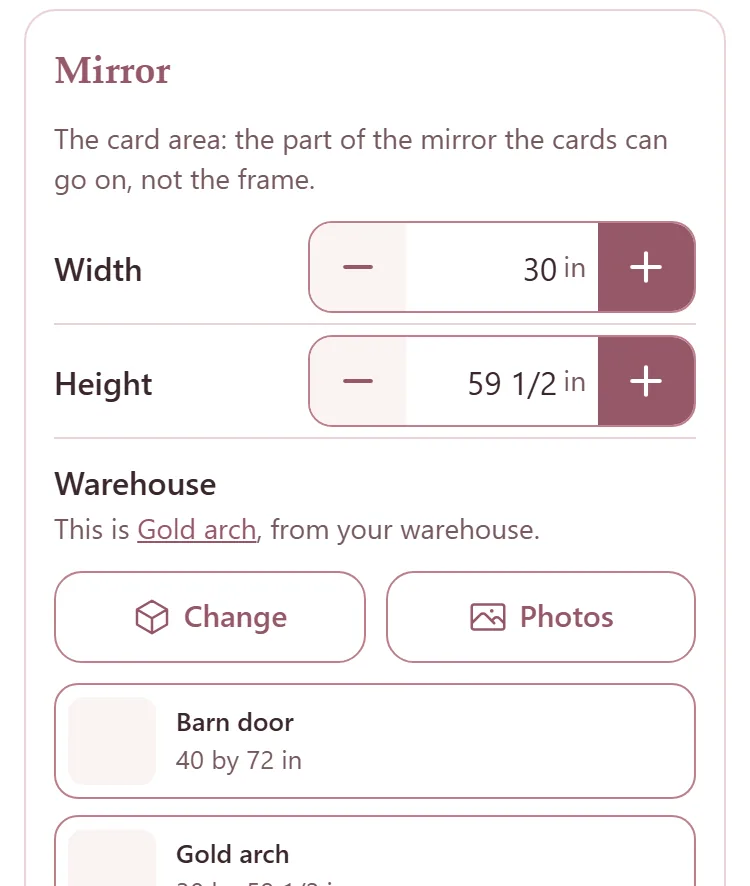
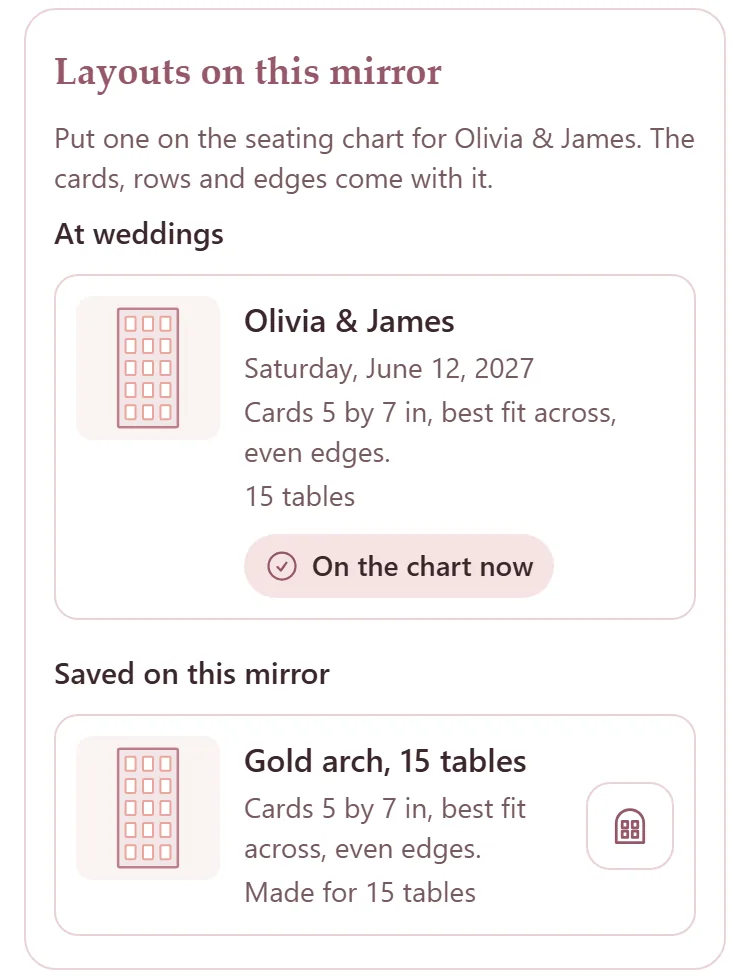
Layouts on this mirror, on its page, lists every layout it has worn at a wedding and every layout saved on it. The chart button beside one puts it on this wedding's seating chart, with its cards, rows and edges.
Change or delete a mirror
Under Details on the mirror's page, change the name or the card area and press Save.
The bin at the top deletes the mirror and its photos: press it, then press it again where it says Delete it?.