Weddings
Share the names with the couple
Each wedding has its own link for the couple. It opens their guest list and tables and nothing else, so they can add names and seat people themselves.
Turn the link on
Open Weddings from the menu and find the wedding's card.
Press the link button to turn the client's link on. The link shows on the card, and the copy button beside it copies it.
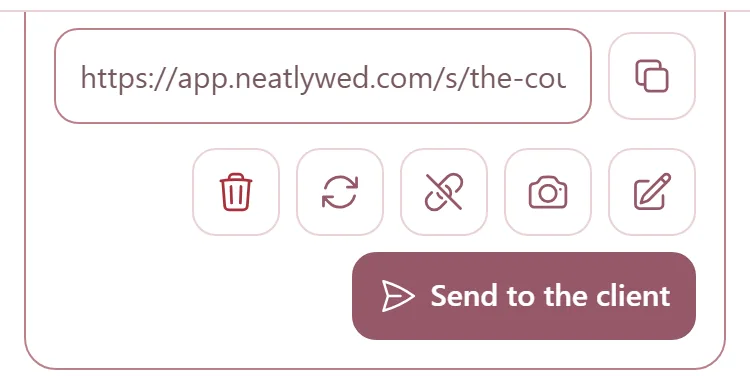
Send the link to the couple yourself, by text or by email.
Send it from NeatlyWed
Press Send to the client, check The client's email, and press Send.
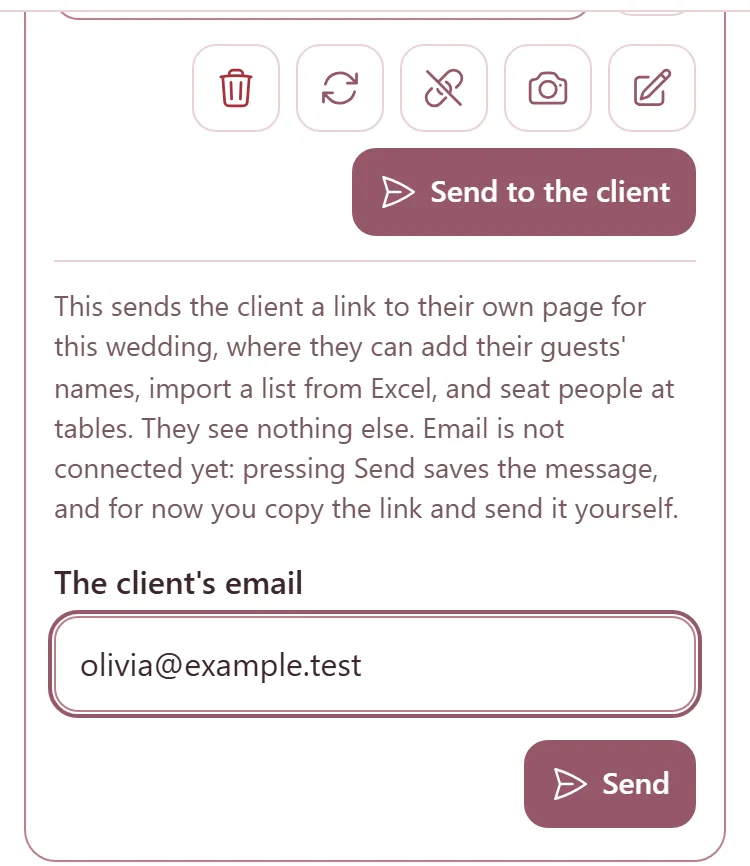
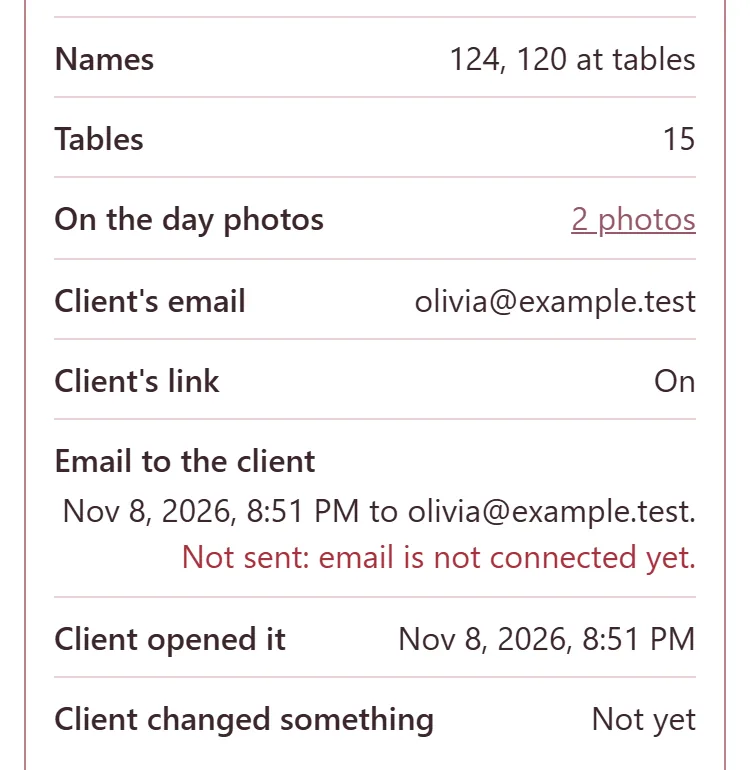
Email is not connected yet, so nothing goes out for now. The card says Not sent: email is not connected yet and keeps the message; copy the link and send it yourself.
What the couple can do
The link opens their own Tables page, with no menu. They can add their guests' names, one at a time or from an Excel sheet, and seat them at tables. Everything saves as they go.
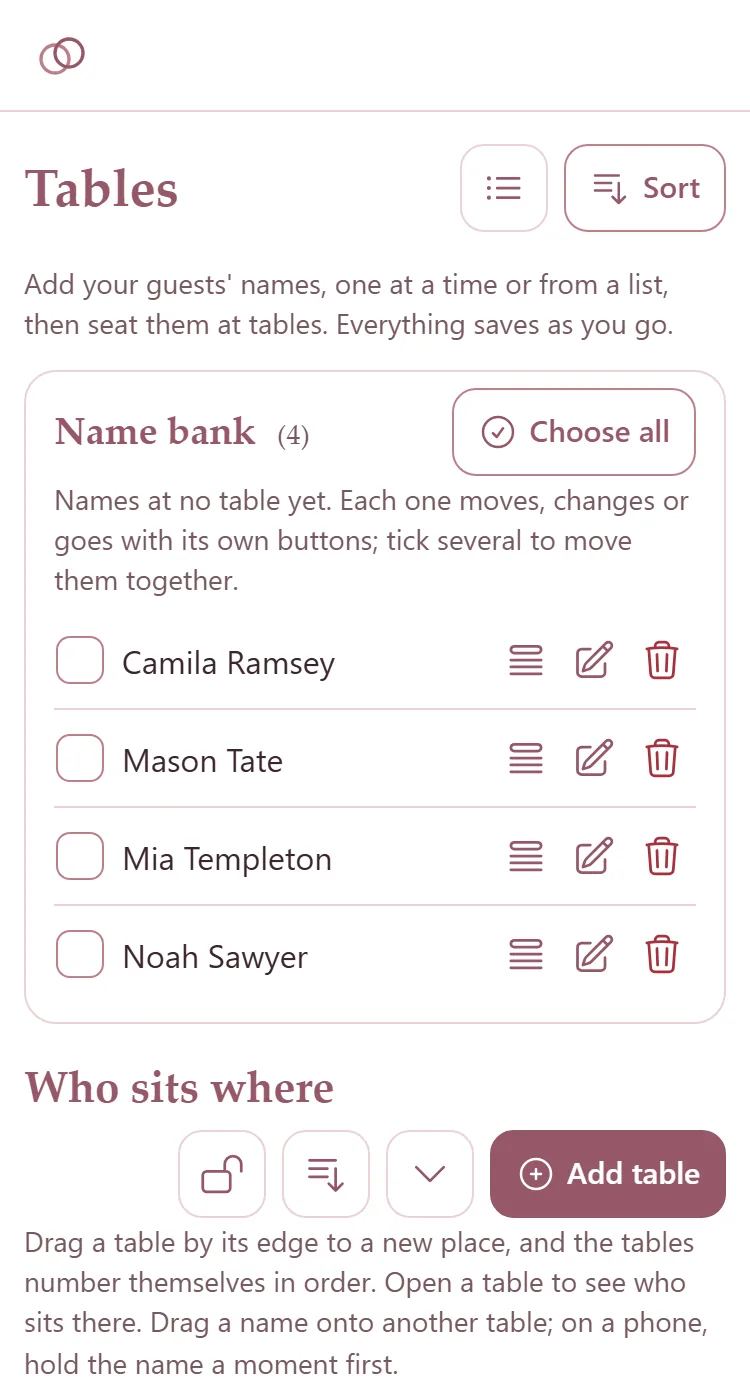
They cannot lock or unlock a table, change anything at a table you locked, change the card design, or delete every name at once. Lock the tables you have finished, and they stay as they are while the couple works on the rest.
The wedding's card on the Weddings page says when the couple last opened the link and last changed something.
Turn the link off, or make a new one
The crossed-out link button turns the link off. It opens nothing until you turn it on again.
The arrows button makes a new link: press it, then press it again where it says New link?. The old link stops working.