Weddings
Start a new wedding
Every seating chart, guest list and card design belongs to one wedding. Add the wedding first and NeatlyWed opens on it.
Add the wedding
Open Weddings from the menu. On a phone the menu is the three lines at the top right; on a computer it runs down the left side.
Press New wedding.
Type The couple's names, like Anna and Ben. This is the name at the top of every page while you work on it.
Under The wedding date, press Pick the day and tap the day on the calendar. The arrows change the month, and Today picks today.
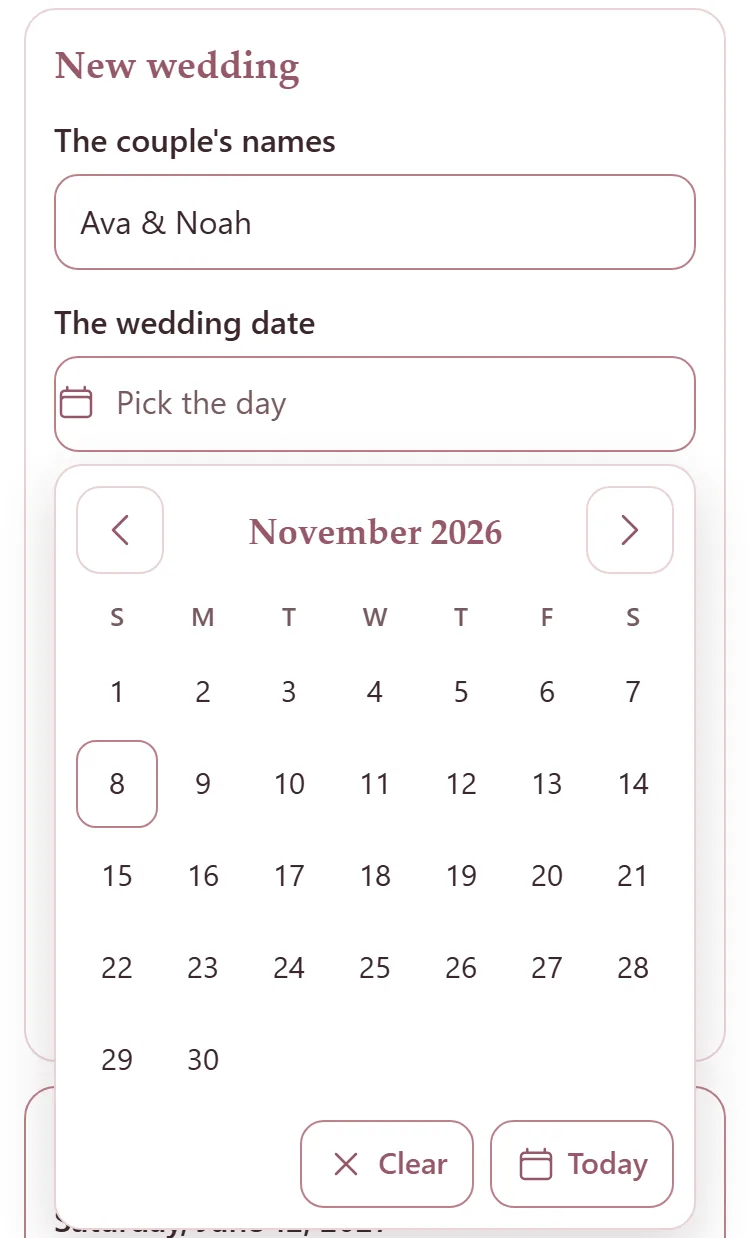
Add The client's email and any Notes if you have them. Both can wait.
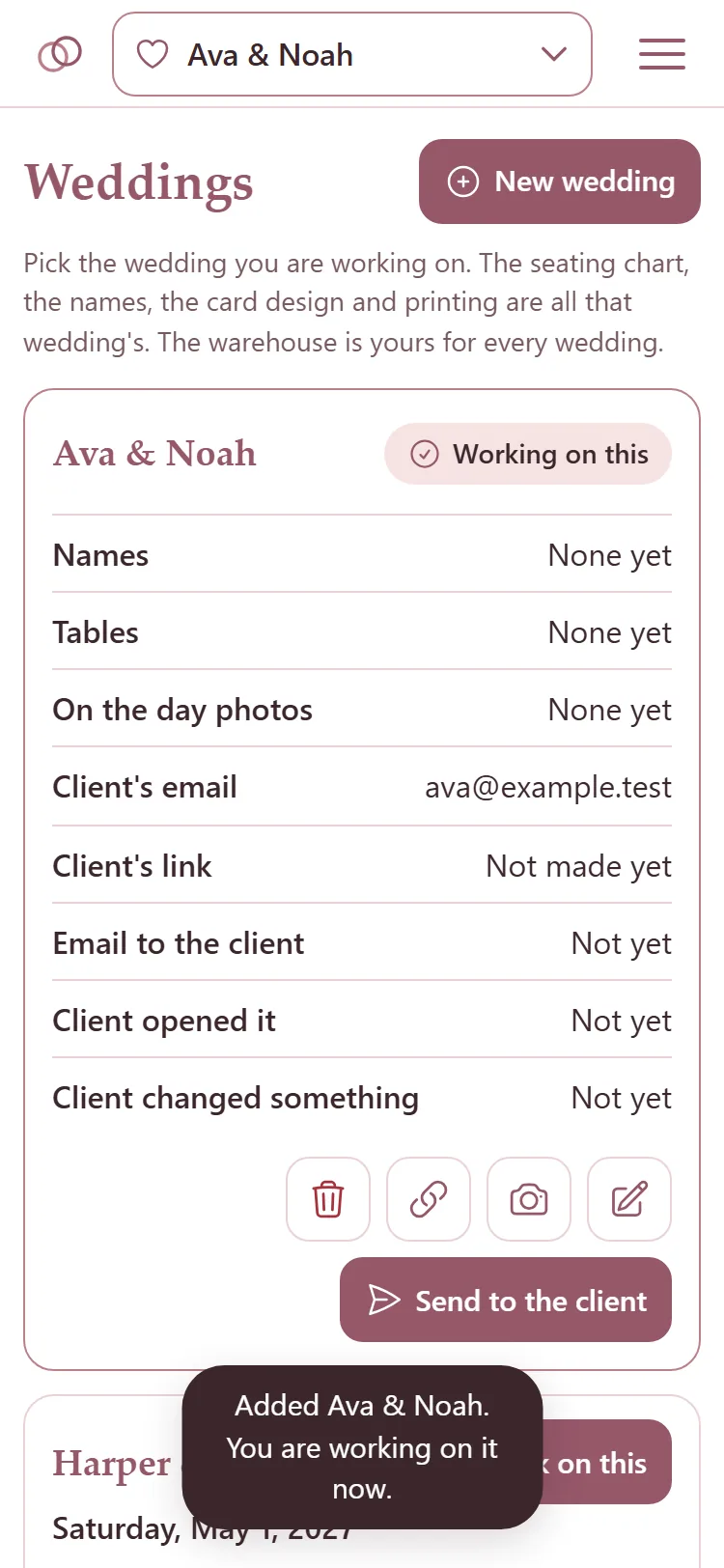
Press Add wedding. The page says the wedding is added and that you are working on it now.
Work on another wedding
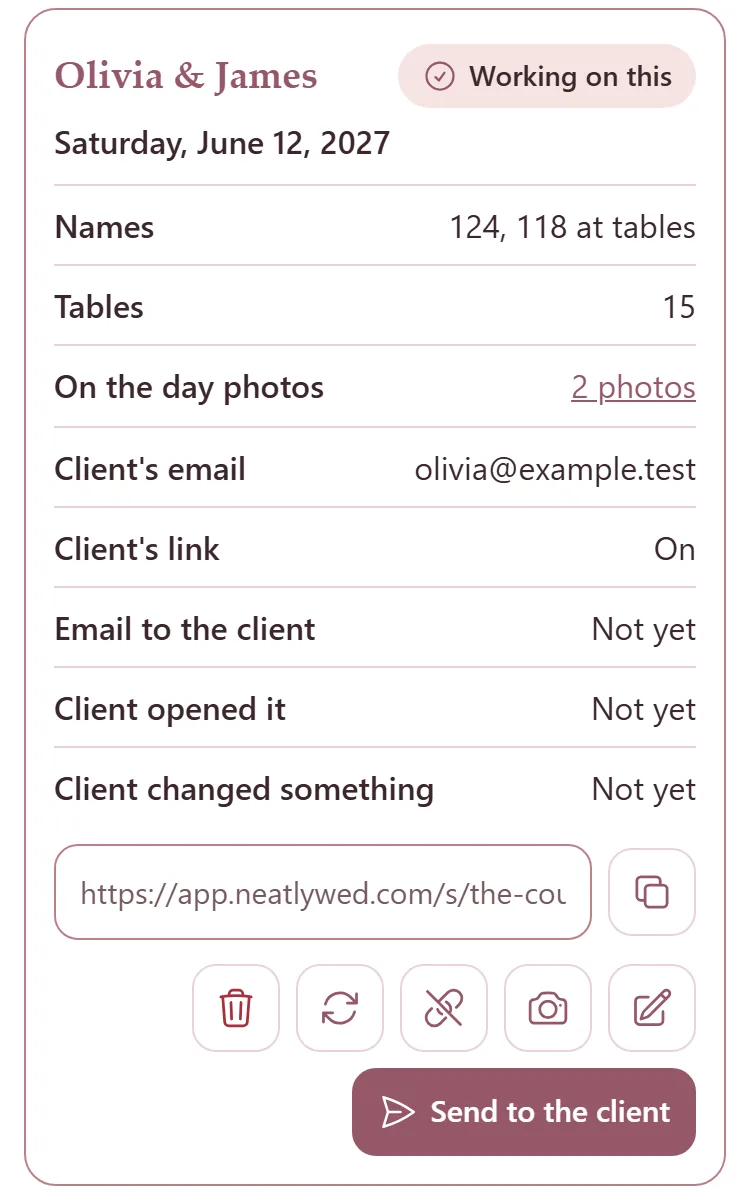
Each wedding has a card on the Weddings page. The one you are on says Working on this.
Press Work on this on another wedding's card to move to it. Or tap the couple's names at the top of any page: Switch between weddings.
The card shows how many names the wedding has and how many are at tables, how many tables, its on the day photos, the client's email and link, and when the client last opened the link or changed something.
Change or delete a wedding
Press the pencil on the wedding's card, change what you need, then press Save.
To delete a wedding, press the bin on its card, then press it again where it says Delete it?. Its names and its seating chart go with it. Its on the day photos stay with their mirrors.
The warehouse is yours for every wedding: deleting a wedding never deletes a mirror.